

Services / Web / Internal tools

The spreadsheet that runs your company, replaced properly

Somewhere in your business there is a workbook with forty tabs, one person who understands it, and a formula nobody dares touch. It got you here. It is now the reason things get missed, and a single point of failure with a name and a holiday allowance.

Why it matters

The cost is the wait

Spreadsheets are excellent software. That is precisely how they end up running scheduling, stock, quoting and payroll adjustments long after they should have stopped. The failure is gradual: two people edit different copies, a formula gets dragged one row short, the file becomes slow to open, and the only person who can fix it goes on leave the same week as the audit.

The alternative is not always custom software, and we will say so when it is not. Buying something off the shelf is often the right advice. Custom earns its place when the process is genuinely yours (the pricing rules nobody else has, the workflow that is the reason customers choose you, the compliance step your industry demands) or when licence fees at your headcount would exceed the cost of building the thing outright.

When it is worth building, the aim is unglamorous: fewer clicks than the spreadsheet, no double entry, permissions so the wrong person cannot change the wrong number, and a record of who did what. Tools that get adopted are tools that make somebody's Tuesday easier. Everything else is a very expensive form.

What you actually get

Built to be trusted

Internal software fails on adoption far more often than on technology. These are the things that decide it.

01

Built around the job, not the database

Screens that match how the work is actually done, in the order it is actually done, using the words your team already uses. We sit with the people who will use it before we design anything at all.

02

Fast to use, not just fast to load

Keyboard shortcuts, bulk actions, sensible defaults, and no dialogue box asking whether you are sure about something you do forty times a day. Speed of use is the main thing a spreadsheet is good at, and the main thing replacements get wrong.

03

Your data in, without a big-bang migration

We import the spreadsheets, keep a sync running where it helps, and let the two coexist while confidence builds. Insisting that everyone abandons the old file on day one is how these projects earn their reputation.

04

Permissions and an audit trail

Who can see a margin, who can approve a discount, who can void an invoice: enforced properly, with a record of every change. It is usually the first thing your auditor asks about, and the first thing the spreadsheet could never do.

05

The boring work done automatically

Reminders, escalations, recurring jobs, documents generated, data pushed into your accounts package. The point is to delete steps, not to relocate them into a nicer-looking window.

06

Reporting managers can run themselves

The numbers people currently rebuild by hand every month, available on demand and consistent between people, with the ability to dig into a figure rather than merely look at it.

Where it earns its keep

Same pattern, different desks

Three businesses, three spreadsheets that had quietly outgrown themselves.

Construction & field services

01 · Construction & field services

The job that got scheduled twice

The problem
Jobs are allocated on a shared sheet, engineers get their day by text message, photographs and sign-offs come back over messaging apps, and none of it links to the invoice. Double bookings and missed follow-ups are routine, and only discovered afterwards.
What we build
A scheduling and job-tracking tool with a mobile view for the field: today's jobs, directions, forms, photographs and a customer signature captured on site, including where there is no signal with job completion triggering the invoice automatically.
What changes
One version of the schedule, evidence attached to every job, and invoicing that happens the day the work is done rather than at the end of the month.
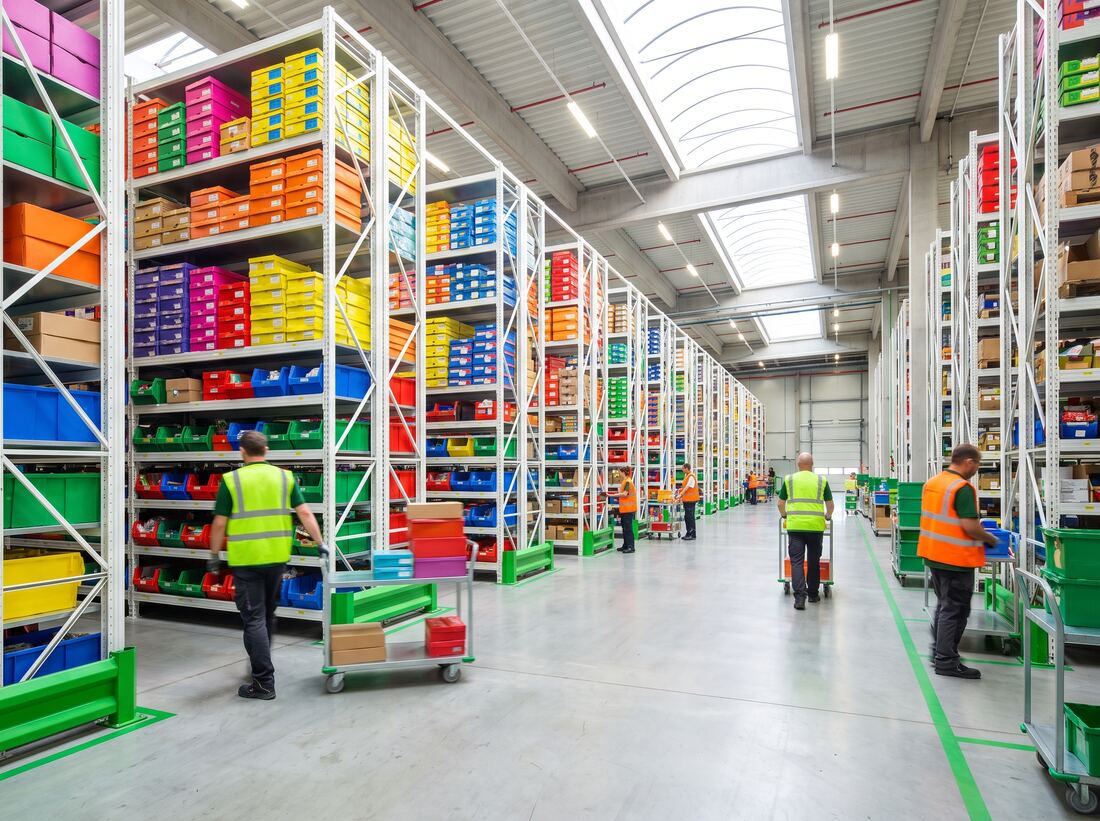
Wholesale & distribution

02 · Wholesale & distribution

Quoting that stopped depending on one person

The problem
Prices depend on customer, volume, contract and current cost, so quoting lives in a workbook only the commercial manager fully understands. Quotes take a day, mistakes are expensive, and nobody can cover the role during a holiday.
What we build
A quoting tool with the pricing rules encoded and testable, approval thresholds for anything unusual, a full history of what was quoted to whom, and a generated document that goes straight to the customer.
What changes
Quotes go out in minutes from anyone on the team, the pricing logic is documented rather than remembered, and margin errors surface before the quote leaves rather than after the invoice.
Clinics & multi-site operators

03 · Clinics & multi-site operators

Rotas, compliance and the file everyone forgot

The problem
Staff rotas, training certificates, equipment checks and incident logs live across several spreadsheets and a filing cabinet. Expiries are noticed when somebody happens to look, and preparing for an inspection takes a week of someone's life.
What we build
A single operations tool covering rota, certification expiry with automatic reminders, scheduled checks with evidence attached, and an incident log, with per-site permissions so a manager sees their site and head office sees all of them.
What changes
Expiries chase themselves, inspection evidence is assembled in an afternoon, and head office can compare sites without asking each one to send a spreadsheet.

The technology

The tools behind it, named

Internal tools should be cheap to change, because they will change constantly. That is the main criterion behind everything below.

6 layers · 29 technologies

01

The application

A conventional, well-organised web app. Nothing clever, because clever is expensive to hand over. It runs in a browser, so there is nothing to install and no version anyone is stuck on.

  • Next.js
  • React
  • TypeScript
  • Tailwind CSS
  • shadcn/ui
  • Radix UI

02

Your data

A relational database designed around your actual process, with backups restored regularly to prove they work. Fast on day one and still fast at ten times the rows.

  • PostgreSQL
  • Prisma
  • Drizzle ORM
  • Redis
  • MySQL

03

Getting out of the spreadsheets

Import, and often a two-way sync during the transition, so nobody has to switch overnight and nothing is lost on the way across.

  • Google Sheets
  • Airtable
  • Notion
  • Airbyte

04

The work that should happen without anyone

Scheduled jobs, reminders, escalations, documents generated and data pushed into the systems you already run.

  • n8n
  • Zapier
  • Make
  • Temporal
  • Resend

05

Numbers your managers can self-serve

Dashboards and one-off questions answered without a developer, run against a read-only copy so a heavy report never slows the tool itself down.

  • Metabase
  • Grafana
  • Looker
  • BigQuery

06

Access, hosting & staying alive

Single sign-on with the accounts your staff already have, running wherever your data is allowed to be, with an alert to a person when something breaks.

  • Keycloak
  • Auth0
  • Docker
  • Cloudflare
  • Sentry

Product names and logos are the property of their respective owners and are shown to describe the technologies we work with. Their use does not imply any partnership, sponsorship or endorsement.

How we deliver it

Live behind a human first

Six to fourteen weeks, and we would always rather ship a narrow tool early than a complete one late.

01

We watch people work

A day or two sitting with the people who use the spreadsheet, watching what they actually do, including the workarounds they have stopped noticing they perform. This consistently uncovers requirements that no interview would have produced.

02

We tell you whether to build at all

If an off-the-shelf product covers eighty per cent of this at a sensible price, we will say so, even though it means a smaller project for us. Custom software has to earn its cost, and it does not always earn it.

03

The narrowest useful version

We agree the smallest tool that replaces something real (one process, end to end) rather than a system that does everything and arrives in a year, by which time the process will have changed anyway.

04

Build it with their data in it

Your actual records from week one, with the people who will use it clicking through it every few days. Feedback on a working tool is worth ten times feedback on a design.

05

Run both, briefly

The new tool and the old spreadsheet run side by side while confidence builds and the numbers are checked against each other. Then the spreadsheet is retired, on a date, deliberately.

06

Then it keeps growing

The second process, then the third. Internal tools are never finished. That is a feature, and it is why we build them to be cheap to change and document them for whoever inherits them.

Before you commit

The questions worth asking

Should we just buy something off the shelf instead?

Often, yes, and we would much rather tell you that in the first conversation than nine months later. Buy when your process is fundamentally the same as everybody else's. Build when the process is the thing that makes you competitive, when per-seat licensing at your headcount exceeds the cost of building, or when the off-the-shelf option would force you to change how you work in ways that would cost you money.

Our team hates new systems. How do you handle that?

By involving them from the first week, and by making the first version obviously better at something they personally find annoying. We also do not force a clean break. The old spreadsheet usually keeps running alongside for a few weeks. The genuine risk here is a tool that is technically correct and slower to use than the thing it replaced. We watch for it explicitly, which is why speed of use is treated as a requirement rather than a nicety.

What if the person who commissioned it leaves?

That is exactly what the handover is for. You get the source code, the documentation, the record of the decisions and the accounts. The stack is deliberately conventional, so any competent development team can pick it up. We would rather be kept on because you want us than because leaving would be painful.

Can it talk to our accounts or ERP system?

Usually. The effort depends entirely on what the other system offers: a documented interface is straightforward, a nightly file export is workable, and a system with neither means something more fragile that we will describe honestly before you commit to anything. We check this before quoting, because it is the biggest single variable in the price.

How long before it pays for itself?

We work it out with you rather than asserting it: hours currently spent on the process, the error rate, and what the delays cost. For a tool that removes a genuinely repetitive task from several people, the arithmetic is usually straightforward. For a tool whose main benefit is visibility, the honest answer is that it is harder to quantify, and we will say so rather than manufacture a figure that sounds convincing.

Can we host it ourselves?

Yes. It can run on our managed hosting, in your own cloud account, or entirely on your infrastructure where data is not permitted to leave the building. The trade-off is that self-hosting moves updates, backups and monitoring onto your team, so we set out exactly what that involves before you choose it.

Which spreadsheet keeps you up at night?

Tell us about the process held together by one file and one person. We will tell you whether to build, buy, or leave it alone, and what a first version would actually look like.

Start the conversation