Services / Mobile / Staff & field apps

The office in a pocket, signal or no signal

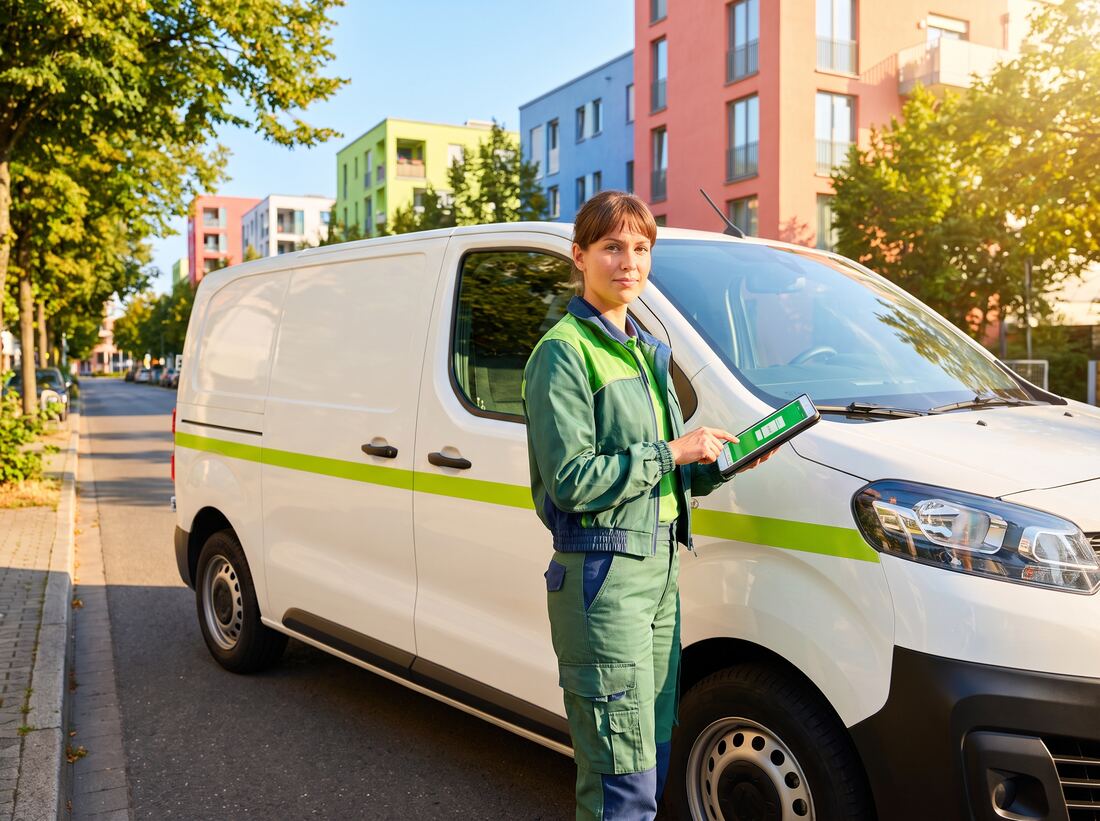
Your field team already carries a phone. A staff app turns it into the job sheet, the camera, the checklist and the signature pad, capturing the work where it happens, functioning with no reception, and syncing the moment it finds a bar.

Why it matters

The cost is the wait

Most field work is still recorded twice. Once roughly, on paper or in a phone's notes app at the job, and once again properly in the evening or on Monday morning, by someone typing it into a system while trying to remember what the scrawl meant. The second pass is where the hours go, where the errors get introduced, and where the invoice waits, because you cannot bill for work that has not been written up.

The reason paper survives is that most of the alternatives break in exactly the places field work happens: a plant room with no reception, a rural site, a basement, an aircraft, a lift shaft. A tool that needs a connection to save a form gets abandoned in its first week, and then everyone quietly goes back to the clipboard. An app for a field team has to treat being offline as the normal case and a connection as the bonus, or it does not get used.

We build the app, the sync engine behind it, and the connections into whatever system the data has to end up in: your job management, CRM, ERP or accounting package. We also handle the parts people forget: how the devices are enrolled, how someone signs in, what happens when a phone is lost, and how a new starter gets working on their first morning.

What you actually get

Built to be trusted

Field software fails in predictable ways. This list is mostly a list of those failures, each one designed out.

01

Offline is the normal case, not the fallback

Every job, form, photo and signature is written to the device first and synced afterwards. A full day with no reception is an ordinary day, not an incident, and the person on site never has to think about connectivity or worry whether their morning's work still exists.

02

Forms that look like your forms

We start by reproducing the paperwork your team already knows, then improve it: required fields, conditional sections that only appear when they apply, values carried forward from the last visit, and validation that catches the mistake on site rather than in the office three days later.

03

Photos, scans and documents captured properly

Annotated site photos, automatic cropping of documents, barcode and QR scanning for assets and stock, and text read straight from a serial plate. Images are compressed on the device before upload, so a hundred site photos do not eat someone's data allowance or their afternoon.

04

Sign-off that stands up later

Customer signatures captured on the screen, stamped with the time, the job and the location, and turned into a certificate or report the customer receives before the engineer leaves the car park. When a job is disputed six months on, the evidence exists and nobody has to search a WhatsApp thread.

05

The day's work, in order

Today's jobs, in route order, with travel time, arrival and completion recorded, plus parts used and time on site. The office sees progress live where there is signal and catches up when there is not, without anyone having to ring a driver to ask where they are.

06

Locked down and revocable

Company sign-on, device enrolment, encrypted local storage, and a remote wipe for a phone left in a taxi. Access ends the day someone leaves, from a console, without waiting for the handset to come back.

Where it earns its keep

Same pattern, different desks

Different trades, one recurring problem. Work happens somewhere with poor signal and gets recorded somewhere else, hours later, by someone who was not there.

Construction & property maintenance

01 · Construction & property maintenance

Snagging lists that are finished before you leave site

The problem
Inspections are done on printed sheets and phone photos. The write-up happens that evening, the photos live in someone's camera roll, and the report reaches the client days later, by which time the trades who could have fixed the item have left.
What we build
A site app with your inspection templates, photos annotated and attached to the specific item, defects assigned to a trade on the spot, and the full report generated and issued before the inspector drives away. All of it works with no signal in a stairwell or a basement.
What changes
Reports go out the same day, every defect carries dated photographic evidence, and the gap between spotting a problem and someone being told about it closes from days to minutes.
Field service & engineering

02 · Field service & engineering

The job sheet that finishes itself

The problem
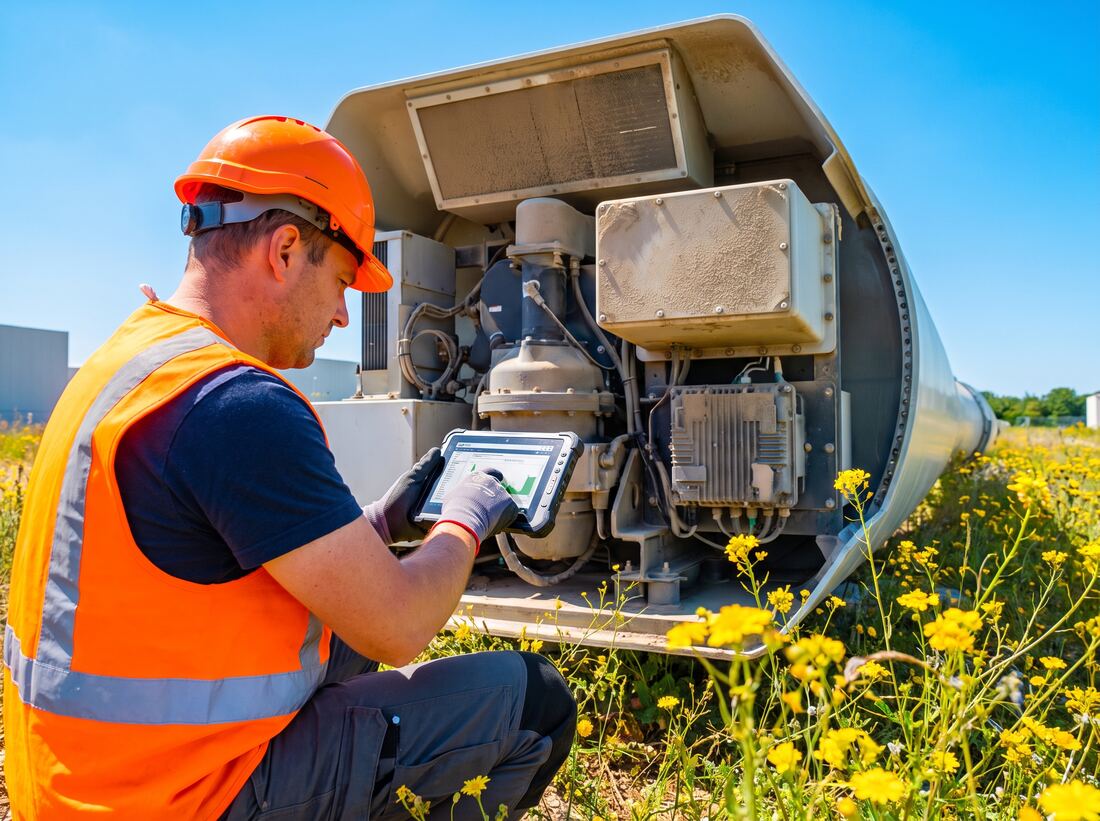
Engineers carry job packs, hand-write what they did, and drop paperwork at the office on Friday. Parts used are recorded from memory, stock counts drift, and invoicing waits on the write-up. Nobody can say reliably whether a fault was fixed first time.
What we build
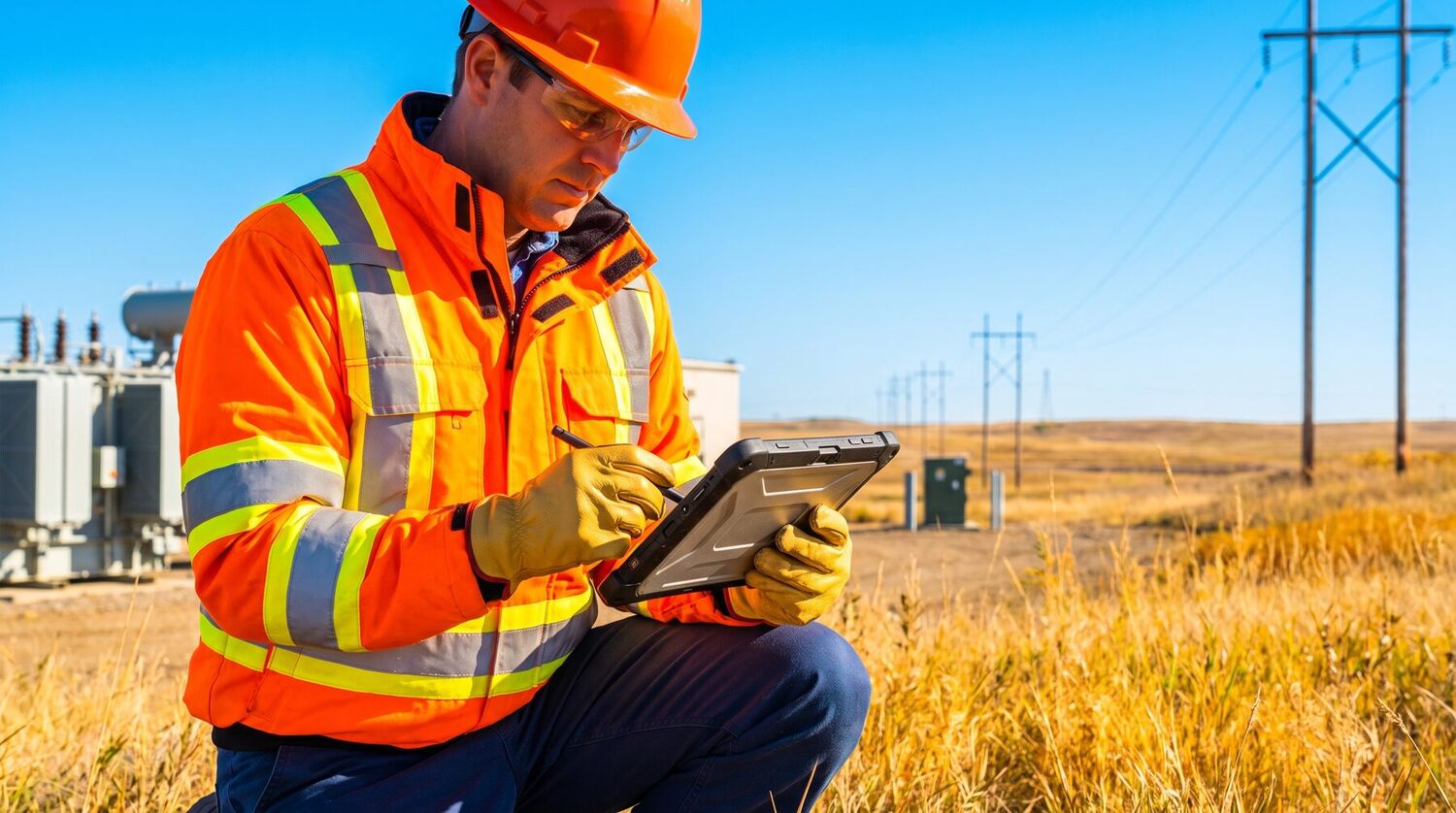
Jobs pushed to the engineer's phone with the asset's full history, checklists specific to the equipment, parts scanned from the van, time on site captured automatically, and the customer signing on the screen. Everything syncs into your job management and accounting system.
What changes
Invoices go out on completion rather than after the paperwork catches up, van stock reflects reality, and repeat visits to the same asset become visible as a pattern instead of an anecdote.
Logistics & last-mile delivery

03 · Logistics & last-mile delivery

Proof of delivery that ends the argument

The problem
Drivers phone in exceptions, proof of delivery is a signature on a crumpled sheet, and a customer claiming a missing consignment turns into an hour of phone calls with no evidence at either end.
What we build
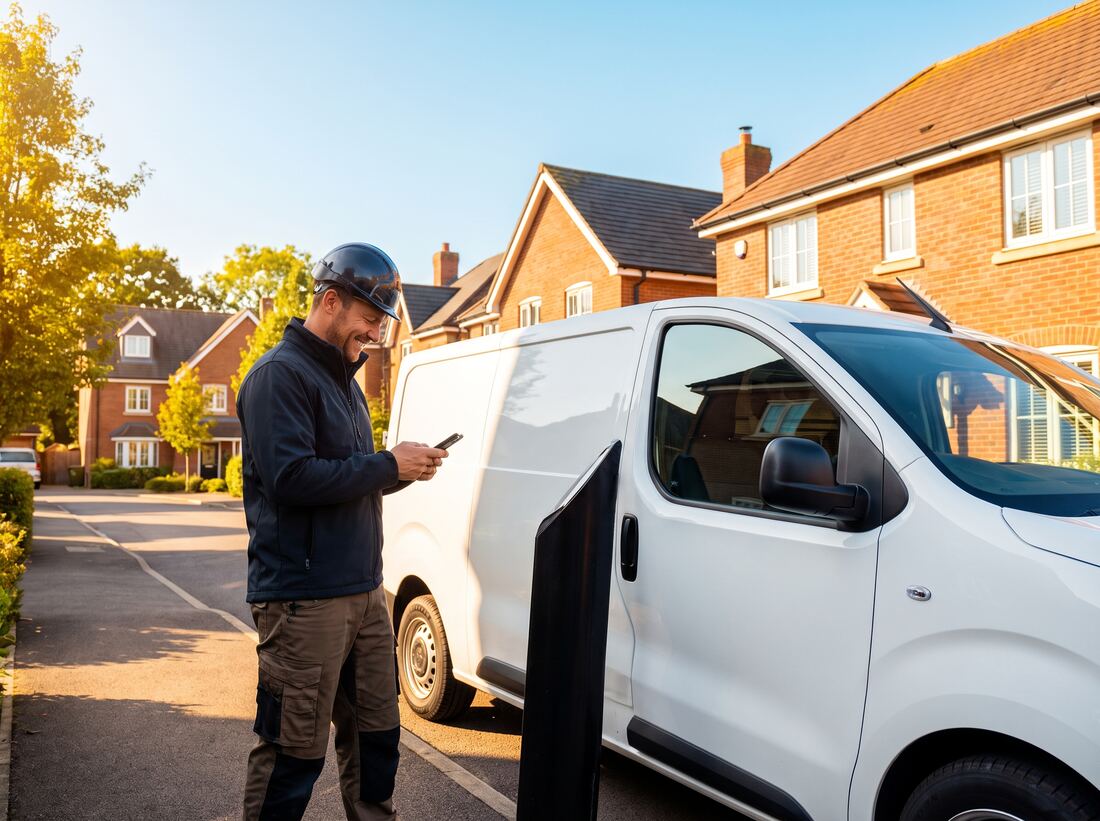
A driver app with the manifest, scanning at load and drop, photo and signature capture at the door, reason codes for failed deliveries, and live status back to the office. Queuing everything when the van goes through a black spot and syncing as soon as it comes out.
What changes
Every drop carries timestamped, located evidence, failed deliveries are categorised rather than described, and disputed consignments are settled from a record instead of a memory.

The technology

The tools behind it, named

The unglamorous half of this list (local databases, sync, device management) is the half that decides whether the app is still in use a year from now.

6 layers · 35 technologies

01

One app, both phones

Field teams rarely carry matching hardware. One codebase covers iPhone and Android, including the older and tougher devices field work tends to be issued.

  • React Native
  • Expo
  • TypeScript
  • Kotlin
  • Swift
  • Flutter

02

Data that lives on the device

A real database on the phone, not a cache. The app reads and writes locally and treats the server as something it reconciles with later.

  • SQLite
  • WatermelonDB
  • PowerSync
  • MMKV
  • Zod

03

The phone's hardware

Camera, scanner, radios and location, the features that let a phone replace a clipboard, a camera and a handheld scanner at once.

  • Bluetooth
  • NFC
  • Google Maps
  • Mapbox
  • Camera & barcode scanning
  • Background location

04

The sync engine

The part that decides what happens when a week of offline work arrives at once, or when two people changed the same job.

  • Node.js
  • PostgreSQL
  • Redis
  • GraphQL
  • Supabase
  • Docker

05

Identity and device control

One company login, devices enrolled properly, and the ability to cut off a handset the same day someone leaves.

  • Microsoft Entra ID
  • Okta
  • Auth0
  • Managed Google Play
  • Apple Business Manager
  • Mobile device management

06

The systems it feeds

The app is a capture layer. The data has to land in whatever you already run, with a buffer in between so their changes never ripple into your app.

  • Salesforce
  • SAP
  • HubSpot
  • Xero
  • QuickBooks
  • Zoho

Product names and logos are the property of their respective owners and are shown to describe the technologies we work with. Their use does not imply any partnership, sponsorship or endorsement.

How we deliver it

Live behind a human first

Eight to fourteen weeks to a pilot crew using it on real jobs, depending on how many back-office systems the data has to reach.

01

We come out with you for a day

Before anything is designed we shadow the work, a full day on site or in a van. What people actually do rarely matches the process document, and the gap between the two is where field software normally goes wrong.

02

We copy your paperwork before we improve it

The first version of every form is a faithful reproduction of the sheet your team already uses. Familiarity is what gets an app adopted in week one. Improvements come after the crew trusts it, not before.

03

Offline and conflict rules, agreed in writing

What can be started offline, what cannot, how long a device may go without syncing, and precisely who wins when two people edited the same job. These are business decisions dressed as technical ones, so you make them, not us, and we encode the answers as tests.

04

A pilot crew before the whole fleet

One team, one region, real jobs, for a few weeks. They will find the things a workshop never surfaces: the glove problem, the sunlight problem, the depot with no reception. We fix those before anyone else is asked to change how they work.

05

Rollout with devices, accounts and training

Enrolment, sign-on, a short session per crew, and a one-page card in the van. We plan the changeover deliberately, including how long paper runs alongside the app, so the transition is not a cliff edge on a Monday morning.

06

Then we watch the sync

Failed syncs, devices that have not checked in, forms abandoned halfway, and the steps people consistently skip. Those numbers tell you where the app is fighting the job, and each month's fixes come from that list rather than from opinion.

Before you commit

The questions worth asking

What happens when two people edit the same job?

Somebody has to lose, and pretending otherwise is how data quietly disappears. We agree the rule with you per type of record before building, last write wins for a status, never for a measurement; certain fields locked once signed; some conflicts held for a human to resolve rather than decided automatically. Whatever the rule, the losing version is kept and visible, so a wrong outcome can be recovered rather than discovered months later.

Do we have to issue everyone a company phone?

No, but the trade-offs are real. Company-owned devices give you full control, enrolment and remote wipe, at the cost of buying and managing hardware. On personal devices Android's work profile keeps company data properly separated, while on iPhone you get less control over the device itself. You can remove your app and its data, not much more. For anything involving personal data of customers, we usually recommend company devices and will explain why.

Does a staff app have to go through the app stores?

Usually not, and that is one of the quiet advantages. Internal apps can be distributed privately through Apple Business Manager or as a private app on Managed Google Play, or pushed by your device management, which means no public review queue and no reviewer's opinion standing between you and a fix. If you also want a public listing (for subcontractors, say), then normal store review applies, with all the waiting that implies.

Will it drain the battery?

Continuous background location is expensive and nothing engineers it away entirely. What we do is make it proportionate: location sampled at a sensible interval rather than constantly, tracking that stops when the shift ends, uploads batched instead of made one at a time, and screens that do not keep the radio awake. If your requirement genuinely is second-by-second tracking for a ten-hour shift, we will tell you up front that it needs a charger in the van rather than promise otherwise.

Our team is not especially technical.

That is normal and it shapes the design more than any other constraint. Large touch targets that work with gloves, screens legible in direct sunlight, a small number of buttons per screen, no reliance on remembering a sequence, and a home screen that shows the next job rather than a menu. If a new starter cannot complete their first job with a one-page card and no training, we have built it wrong.

What happens when a phone is lost or someone leaves?

Access is revoked centrally the same day, and the app's data on that device can be wiped remotely without touching anything personal on it. Because everything syncs, work already captured is safe on the server. The risk of a lost phone is exposure, not loss, and encryption plus biometric unlock covers that in the window before the wipe lands.

Show us the form your team still prints

Send us one of your job sheets or inspection forms. We will come back with how it would work on a phone with no signal, and what it would take to stop the evening write-up.

Start the conversation